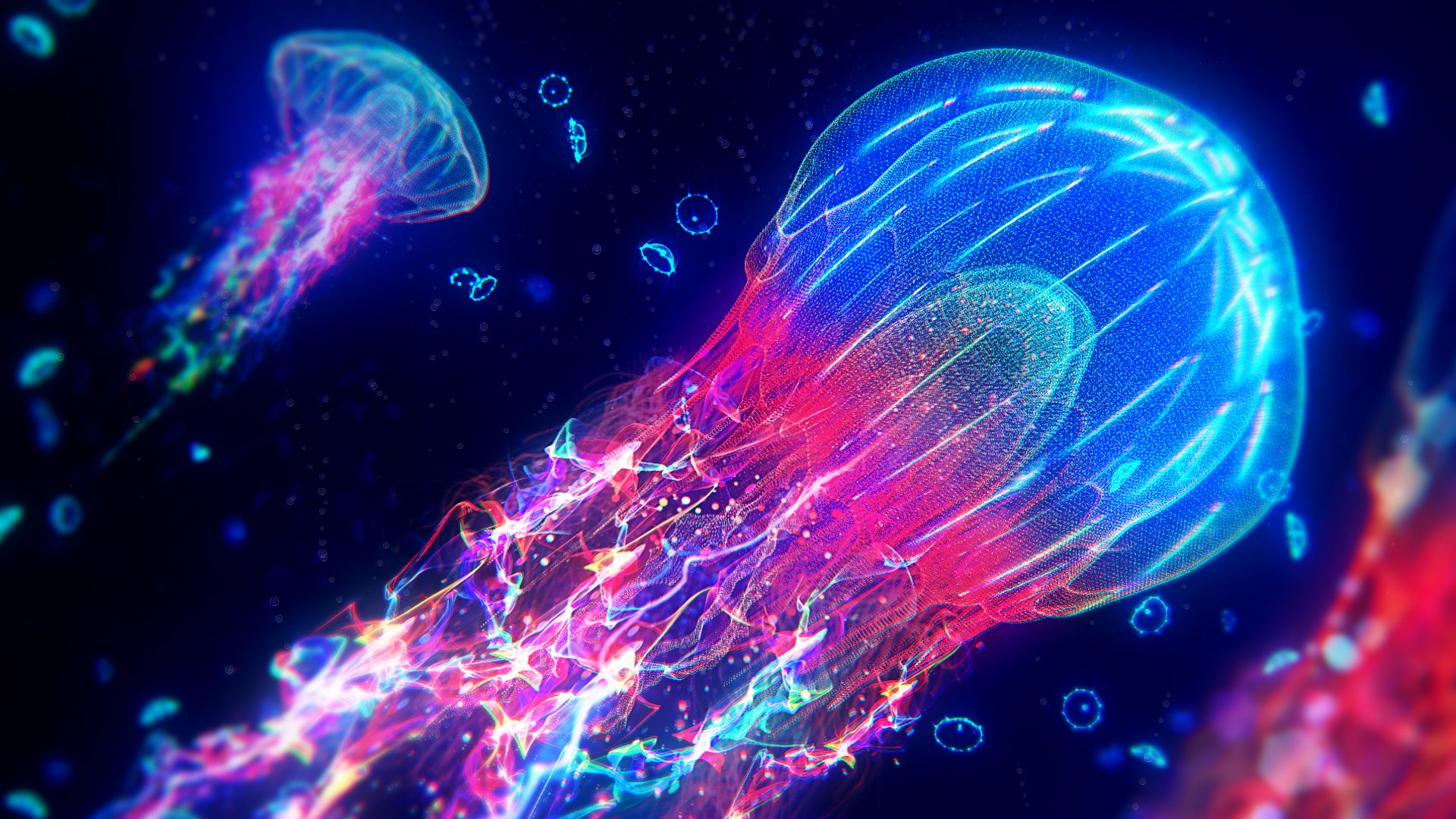
Huge update to Trapcode Suite today. Get all the details here, but here are some of my favorite new things:
- GPU acceleration for Particular
- Depth-of-field in Tao
- Multiple particle systems in Particular
- 3D object emitters in Particular

Huge update to Trapcode Suite today. Get all the details here, but here are some of my favorite new things:
Today, Samsung and Amazon announced yet another HDR standard for televisions. In case you're not familiar with the idea of a High Dynamic Range display, it's—get this—brighter than a normal display. That's it. This groundbreaking idea apparently needed about four competing standards, one from Dolby, the sound company. Now there's a fifth.
I couldn't resist chiming in on Twitter.
To be clear, that's me HDR-ifiying the shot. There is an actual "HDR" edition of Sicario on 4k Blu-ray, but from the looks of it, it has the same intentionally compressed dynamic range as the HD version these stills were pulled from.
That's a good thing. That's the filmmaker's intent.
Update 2017-04-21: Be sure to read all the way to the end for more on this. Seriously, you don't want to miss it.
To be clear, I created a straw man by taking a beautiful movie, Sicario, and coarsely applying the only area of quantative “improvement” that HDR allows: brighter highlights. This was only possible because Sicario doesn't even use the entire dynamic range of HD video. The filmmaker’s intended look fits entirely within the low-dynamic-range container of HD Rec709. It’s a low-contrast, low-saturation film. The “HDR” 4k version is no different, and seemingly enjoys only the qualitative benefits of enhanced color fidelity and resolution in the 4k Blu-ray edition. Those are real benefits. And there are movies with bright, poppy colors that would happily occupy the greater dynamic range of an HDR TV. And working to that standard, a filmmaker would, of course, still be welcome to opt out of the brighter highlights, and choose their own dynamic range “box” to work within.
...in practice, that won’t be the case. Because even without HDR, TVs already ruin movies by trying to make them look “better.” HDR is just another axis for your relatives’ TV to be set up wrong. And just like modern TVs try to “fix” 24p with motion smoothing, you can bet they’ll also offer all kinds of delightful modes to “HDR-ify” your LDR content. And if you think that will look better than my coarse examples above, you haven’t seen how bad TVs already are.
HDR has the potential to be a useful tool. But TV manufacturers will absolutely screw it up.
There’s been a lot of great response to this post, and some thoughtful disagreements. I opened the door for the disagreements by structuring my argument rather sloppily; conflating two different ideas.
I can’t be “wrong” about this one, because it’s my opinion, but of course you are welcome to disagree.
When I took the intentionally, creatively LDR images from Sicario and brightened up their highlights, I wasn’t saying that your HDR TV will do this to Sicario. Nor was I saying that an mastered-to-HDR-standards version of Sicario would look like that.
What I was saying is the good old Prolost argument that less is more with cinema. Sicario is widely regarded as a very beautiful film. It intentionally uses a very low dynamic range, less than even Rec709 allows. The only way the HDR-ness of HDR can “improve” that is if some idiot tried to brighten up the highlights. What I was trying to show is that the flagship feature of HDR has nothing to offer Sicario.
But I mixed that argument in with my distrust of consumer television manufacturers, which opened my up to rebuttals like this:
He’s right, there’s nothing about the HDR standards themselves that should mess up our movies.
Chris in the comments below said “There is beautiful potential for artistic expression in HDR.” I’m sure that’s true. But this is just another case where I don’t think the way movies look is broken. I like rolled-off highlights and constrained palettes. I imagine Kylo Ren’s lightsaber could look amazing in HDR, but I’d probably prefer the way if would look if it was shot on a vintage roll of Kodak 5218. If your idea of a pretty movie is more along the lines of Pacific Rim than Arrival, you’re going to love HDR.
So on argument 1: I’m not wrong, but neither are your disagreements.
I kinda started my argument with the creative, “Sicario is pretty and doesn’t need HDR so why would anyone ever” point and then concluded with the “Samsung will just screw this all up anyway” point. Which is not how you’re supposed to write convincing arguments. Oops.
But I remain concerned that HDR will simply mean that TV manufacturers will forget all about making blacks blacker and colors more accurate and simply try to blind us with how bright, sharp, blue, and smooth their images can be.
Rod Bogart, one of the smartest imaging nerds I know (we met at ILM, he’s now at HBO, and his actual initials are RGB), replied:
A number of other people chimed in here as well to point out that since HDR comes with metadata that tells the TV what it is, there’s a greater chance that the TV can show it correctly.
In the marketing site for LG’s flagship OLED HDR TV, the actually state that “With[...] Dolby Vision, you can be sure that your entertainment is viewed the way it was meant to be seen.”
I want to believe. But I’ve been hurt so badly.
Before five competing standards of HDR, there was only one HD color standard in the US: Rec709. Just one. A really easy one. A 27-year-old one. And no consumer TV shows it correctly by default. They all try to make it brighter, sharper, bluer, and more saturated.
Guess what HDR-capable panels let them do? That’s right, make images even brighter, even bluer, even more saturated.
There’s also another danger, which is that studios could get in$pired to sell us HDR retransfers of library titles. I hadn’t mentioned it, but Todd Vaziri (another ILMer) picked up on it:
The temptation will be there to contravene the original filmmaker’s intention for the look of an important film, just to demonstrate the value of new TVs and new opportunities to buy a movie you’ve already bought three times.
The good news is that that for all the brighter-is-better LCD panels out there, there are also these amazing new OLED panels, which are being used more and more for professional grading and really do look great. They are HDR-capable, but they are also very accurate and have great contrast. Prices are coming down too.
The other good news is that the folks transferring Sicario to HDR 4k seemed perfectly happy to ignore the opportunity to create poppy, bright highlights where there were none before.
So if HDR gets anywhere close to helping home viewers see what filmmakers intended, I’ll be delighted. But you’ll have to forgive my skepticism, as history indicates quite the opposite. I just spent a week traveling, and every hotel TV I saw was showing letterboxed SD channels stretched to fill a 16:9 frame. We can’t even get the simple stuff right, and five competing HDR standards are anything but simple.
So on argument 2: Too early to tell if I’m right or wrong. History is on my side. But I hope I’m wrong. I may need to buy a new TV someday.
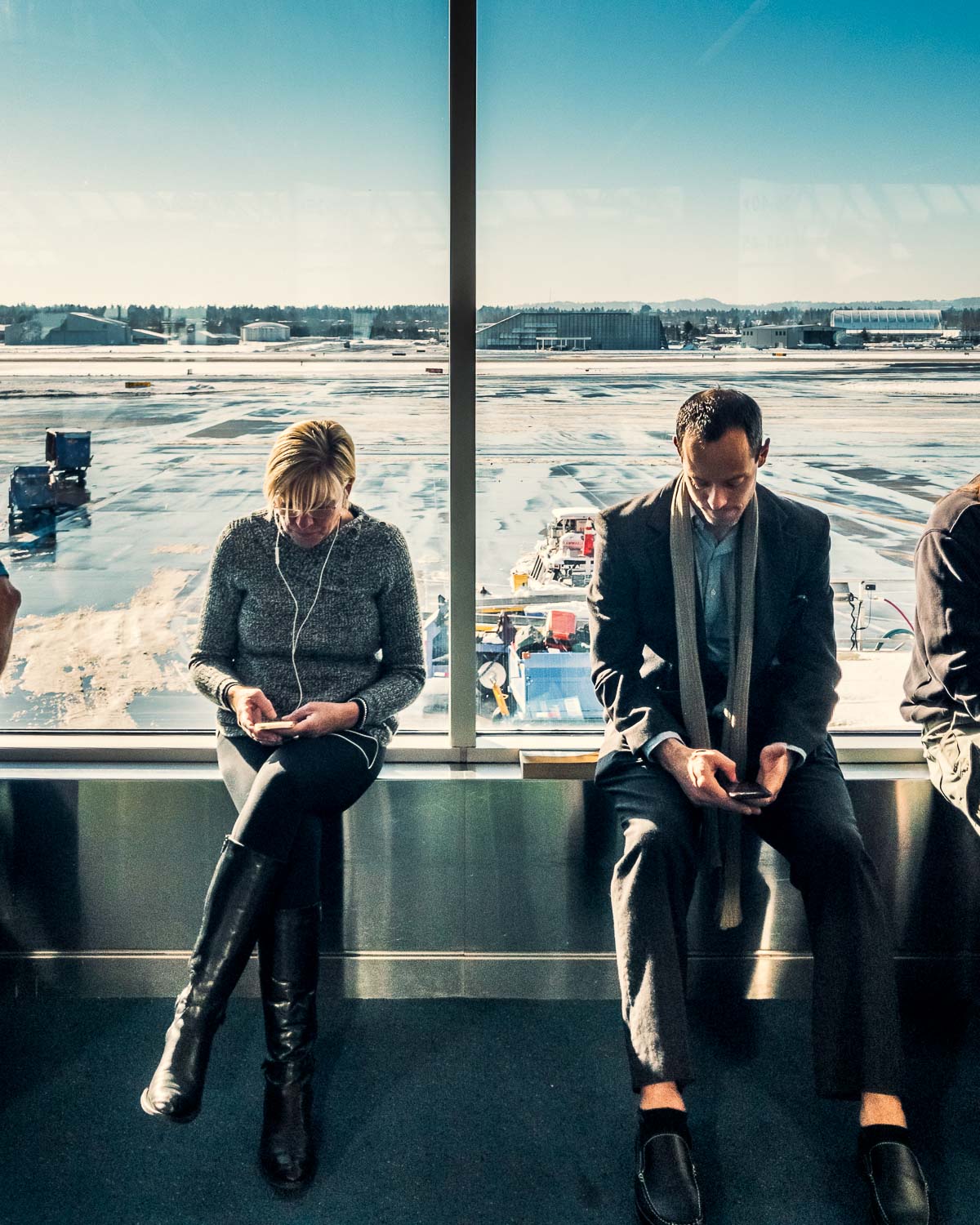
This is a photograph made with a telephone.
If you look back through my recent Instagram posts, you may notice something unusual (for me): the majority of photos I’ve posted lately are not from my big, full-frame cameras (currently: 5D Mark III, Sony a7S II, and Sony RX1R II), but rather from my iPhone 7 Plus.
Posting iPhone photos to Instagram is hardly unusual, but what’s new is that I’m once again inspired by the creative possibilities of my little telephone camera. Part of this inspiration comes from the ability to shoot raw with Lightroom Mobile. Raw capture, combined with Lightroom’s editing controls (including local adjustments), does deliver on the initial promise of “Lightroom on your camera” that I wrote about here.
But as sharp and portable as the iPhone camera is, and as powerful as Lightroom’s editing controls are, telephone photos still struggle with dynamic range. Clipped highlights and/or noisy shadows are still the giveaways. You know, physics and all. But today Adobe has updated Lightroom Mobile (2.6 for iOS, 2.3 for Android) with a new feature: High Dynamic Range (HDR) capture.
The Camera module of Lightroom Mobile now has three modes: Automatic, Professional (which offers manual exposure controls), and High Dynamic Range. In HDR mode, Lightroom captures three shots, bright, normal, and dark, and exposure-merges them into one.
Unlike auto-bracketing with your DSLR, Lightroom’s bright and dark exposures are intelligently calculated based on the scene brightness. I’ll let Lightroom product manager Tom Hogarty explain:
Lightroom mobile automatically analyzes the scene to determine the appropriate spread of exposure values over three shots (most other apps only average two exposures). Then, Lightroom automatically aligns, de-ghosts, and tone maps the image, creating a 32-bit floating point DNG file which can then be edited as desired.
Lightroom Mobile product manager Josh Haftel fills in the details:
You get a 16-bit floating point DNG, with all of the benefits of both an HDR and a raw photo, which is processed by the same algorithms with the same quality as the HDR technology built into Adobe Camera Raw and Lightroom.
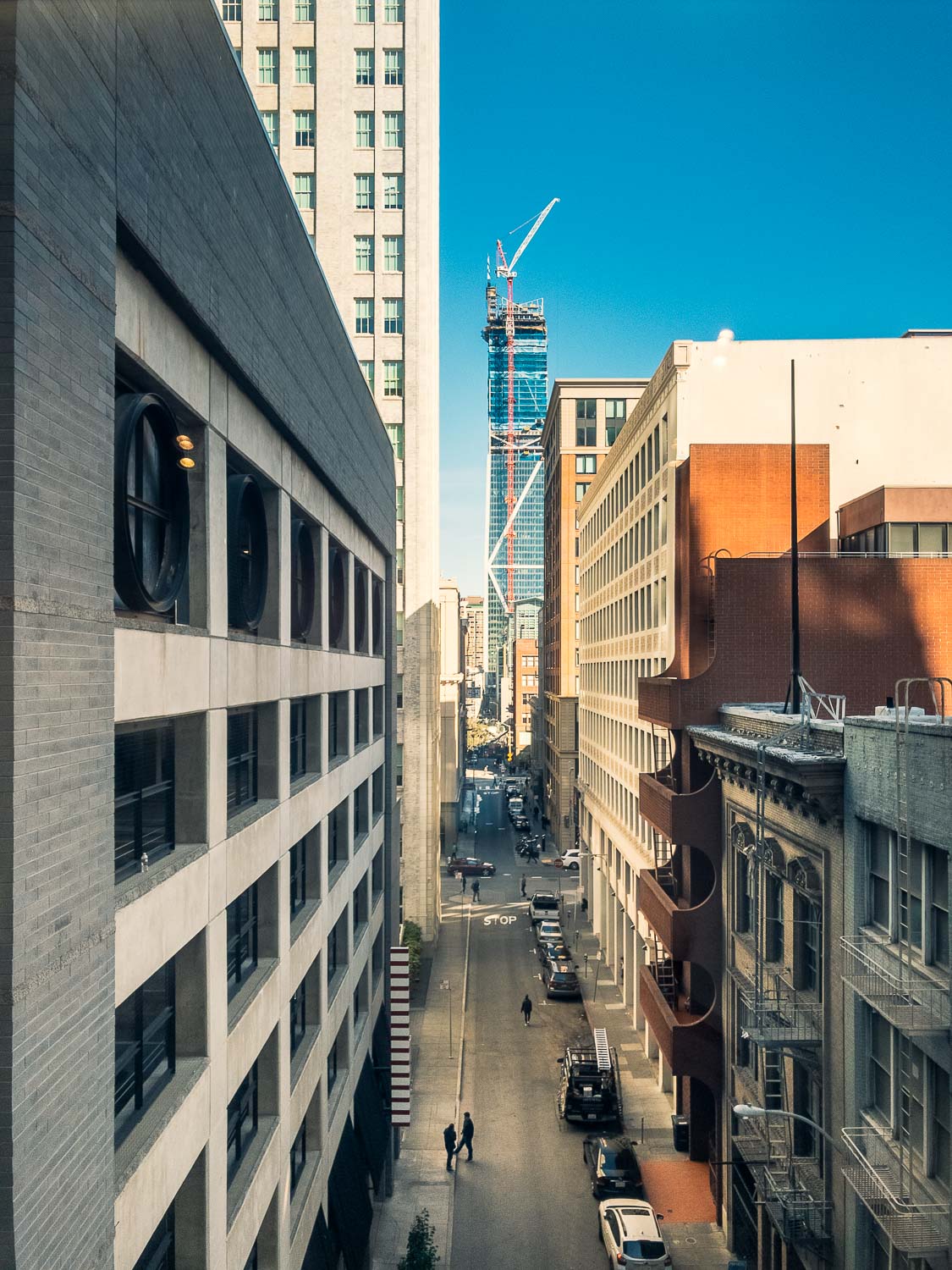
An iPhone snapshot in HDR, helped greatly by Lightroom's desktop-only Guided Upright perspective correction feature.
Some associate “HDR” photography with aggressively-tone-mapped, candy-colored photomanipulations, but Lightroom doesn’t emphasize this kind of processing. You certainly can get at least partway there (just crank Highlights down, Shadows, Clarity, and Vibrance up), but Lightroom makes it just as easy to treat the extended dynamic range of HDR captures as a good, healthy digital negative with clean shadows and lots of highlight detail. You may just find that you have to dial back the Highlights and Shadows slider from the defaults, which are dynamically set at capture.
Shooting directly into a shaded garage and, you know, the Earth's sun.
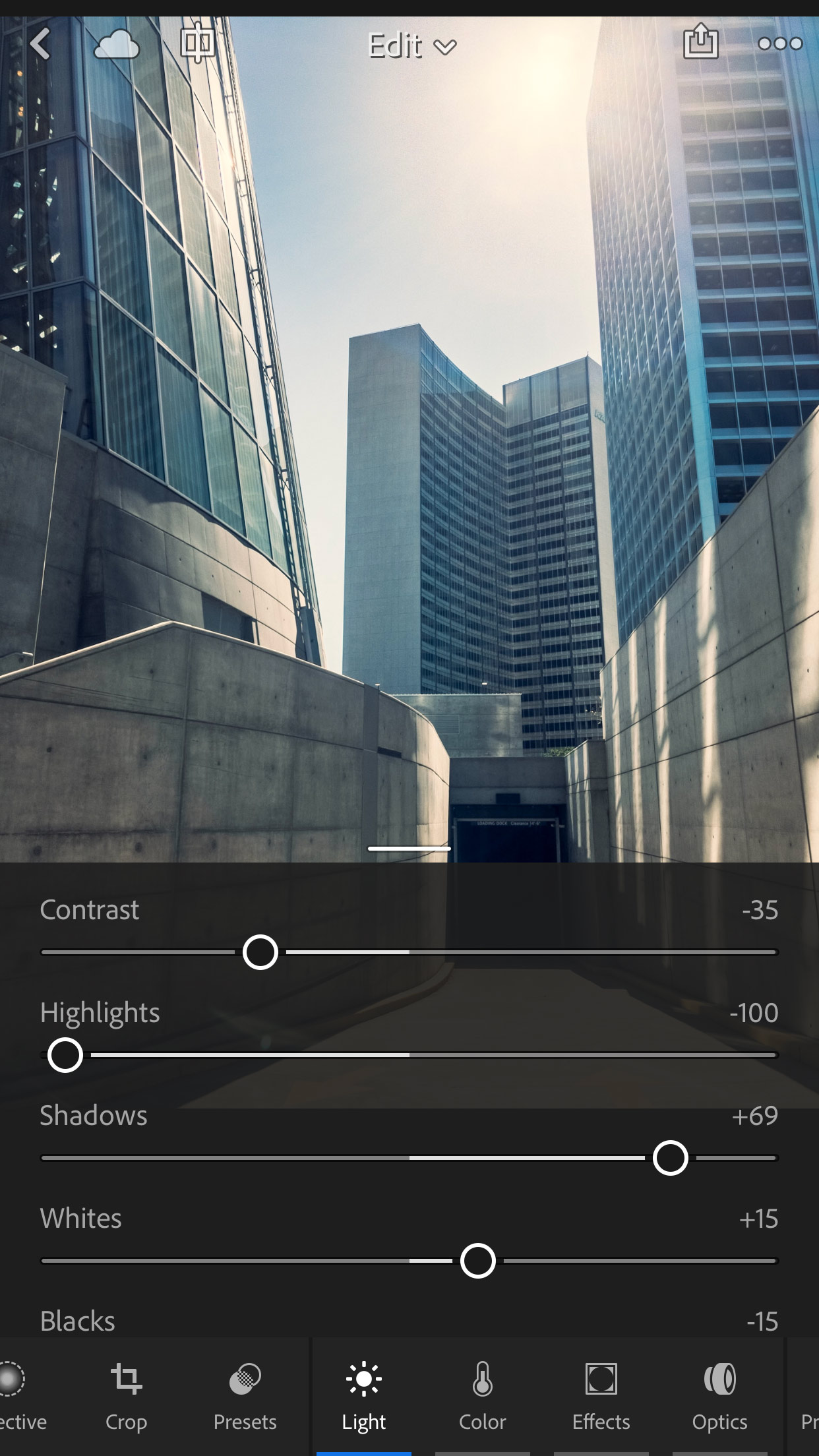
The majority of the tone mapping of an HDR shot comes from the Highlights and Shadows sliders, which default to aggressive settings that you may wish to tone down.
Lightroom’s HDR DNGs are compressed, but they’re still big. A typical DNG from my iPhone 7 is 14 MB, and the HDR files are around 40–43 MB. iPhone JPEGs are about 2 MB.
Lightroom processes these HDR merges right on your phone, and then uploads them to Creative Cloud. Your battery life and bandwidth will be put to the test. Near the end of a full day of shooting casually with Lightroom Mobile, a mix of HDR and DNG shots, my iPhone 7 Plus battery did give out, which wouldn’t happen if you restricted yourself to shooting JPEG with Apple’s built-in Camera app.
You can, of course, tell Lightroom Mobile not to sync unless it’s on WiFi, which helps — but I choose to deal with the power consumption problem by bringing a portable battery pack along. I like this one, which is, ironically, about the size and weight of a decent point-and-shoot camera.
Speaking of cost, while Lightroom Mobile is a free app, its real power comes with a Creative Cloud subscription. The Photography Plan, which includes Lightroom and Photoshop, is $9.99 USD per month. Better deals can sometimes be found on Amazon.
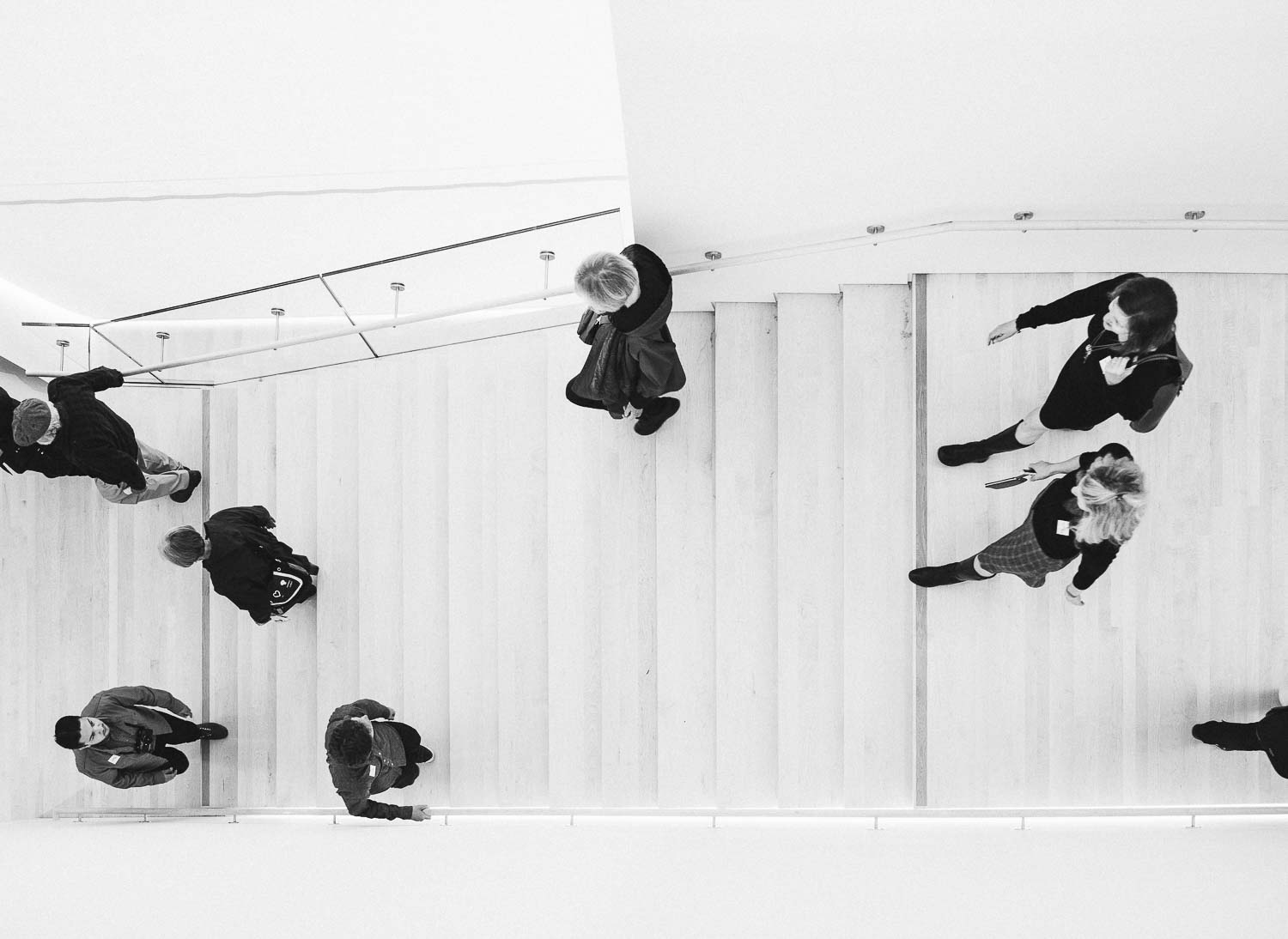
HDR in B&W. Guided Upright again, along with one of my Prolost Vintage Winter 2016 B&W presets.
Today’s Lightroom Mobile updates also bring local adjustments to Android, and re-introduce of my favorite features: Speed Review, where you swipe up and down to flag photos as “Pick” or “Reject.”
What’s missing? On the creative side, I find myself wishing Lightroom Mobile had the powerful perspective correction found in the desktop version’s “Upright” controls. The tack-sharp, semi-wide, deep-focus lens of the iPhone loves architecture, and architecture loves Upright — all but one of the photos in this post use it.
There’s still no way to sync Lightroom presets to Lightroom Mobile, forcing us to use a hacky workaround.
You can share a collection of photos directly from Lightroom Mobile, but the detailed control over how that shared collection is presented is still only found on Lightroom Web.
The iPad version of Lightroom has yet to catch up to the Edit control design improvements in the iPhone version.
But most importantly, Lightroom Mobile for iOS is still not capable of background processing. You’ll actually get a warning if you switch away from the app while an HDR merge is being processed. This is a Lightroom limitation, not an iOS restriction. Lightroom won’t process or sync when in the background, or when your phone is asleep. To help deal with this, there’s now an option to prevent your phone from sleeping when it’c connected to power, so you can ensure that all your photos upload properly.
This background processing limitation means that Lightroom Mobile can still trash your edits if you’re not careful.
So be careful.
Speaking of being careful, HDR can get ugly. As with everything in the photographer’s arsenal, taste and technique are what’s going to bring you great results, not tech.
Read more about Lightroom Mobile 2.6/2.3 on Tom Hogary’s blog, or on Julianne Kost’s, or Josh Haftel's. Download it on the App Store or on Google Play.
My new set of seasonal presets are out, and these are all about black and white. If you've been following me on Instagram, you've probably noticed my preoccupation with monochrome. The first photos I ever shot and processed myself were black and white (film, of course), and in many ways I find it to be the purest form of photography. There's only one problem:
Many pro photographers I know consider black and white processing to be one of the hardest aspects of photography to master. There are so many different ways to get there, we almost always feel like we're doing it wrong.
This is where my "I'll know it when I see it" preset methodology comes to the rescue. When you run your mouse down this list of 112 presets, one of them will just feel right. When that happens, just click. You could be done there, or maybe you'll do a few more tweaks, but trust me, this is the fastest, most intuitive way to get started with mono processing.
You get 112 Lightroom presets for $39. They're available now, but they won't be around forever!
Today only, everything at Red Giant is 40% off! Get all the details here.